Voice and text
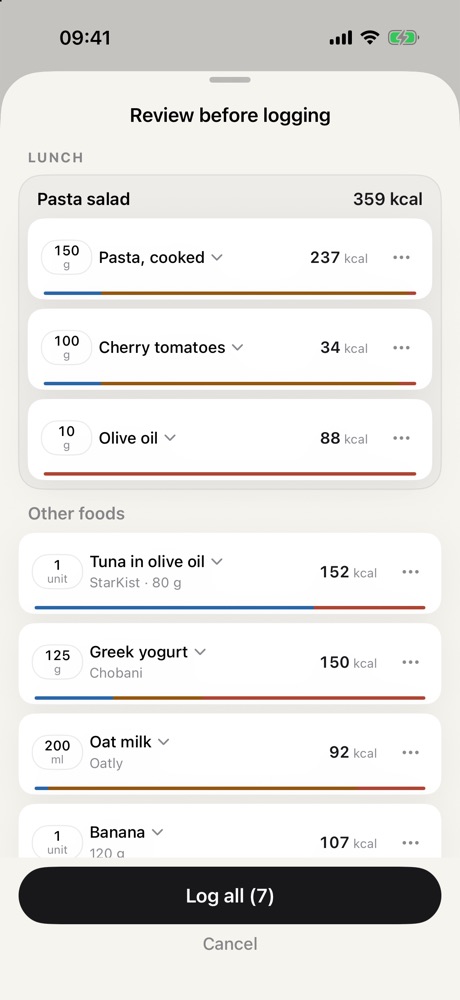
Speak or type in natural language. Daylory separates foods, amounts and brands, and you review before saving.
For iPhone · Voice or text logging
Say what you ate, like “two eggs and a slice of toast with olive oil”. Daylory returns calories and macros for you to review and save.
Subscription with a 7-day free trial, monthly or annual.
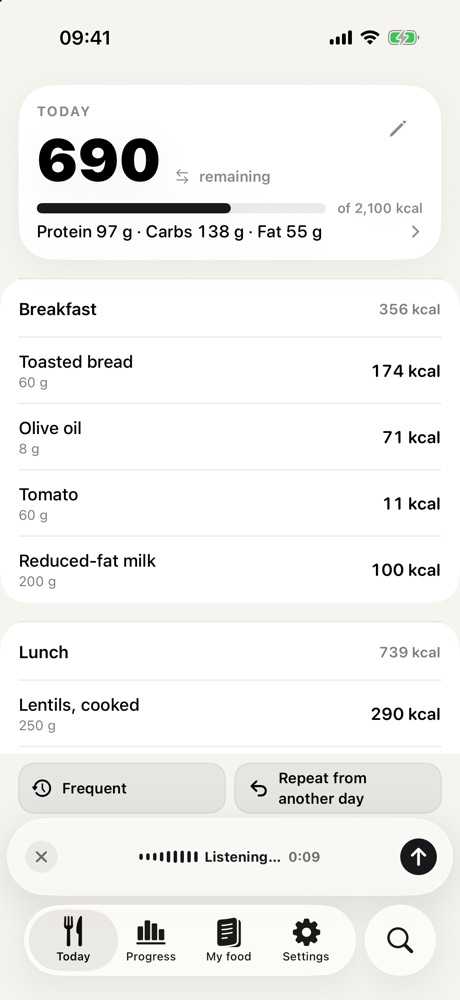
Three steps
Write a natural sentence instead of searching for food item by item.
Speak or write it the way you would say it: “two eggs and a slice of toast with olive oil”. Daylory suggests foods and amounts for you to confirm.
When the amount is precise, the values come from official food databases. Composed dishes are marked as estimates.
My food remembers the foods you eat often, so next time you can find them without typing them again.
Features
Speak or type in natural language. Daylory separates foods, amounts and brands, and you review before saving.
Scan the barcode of a packaged product to look up its data and log it.
Photograph a product's nutrition table. Daylory reads the text and suggests its values for you to confirm.
When the amount is precise, values come from USDA FoodData Central, CIQUAL and Open Food Facts. Composed dishes are marked as estimates.
Your personal memory learns the foods and recipes you use. Save a meal once and repeat it whenever you want.
Your diary stays on your iPhone and, if you use iCloud, in your private iCloud database. There is no Daylory account and no login.
Daylory app screens.
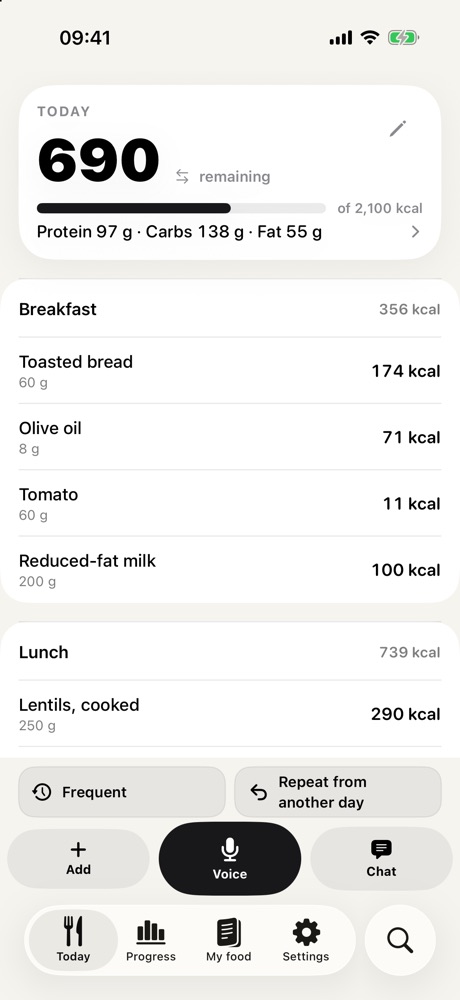
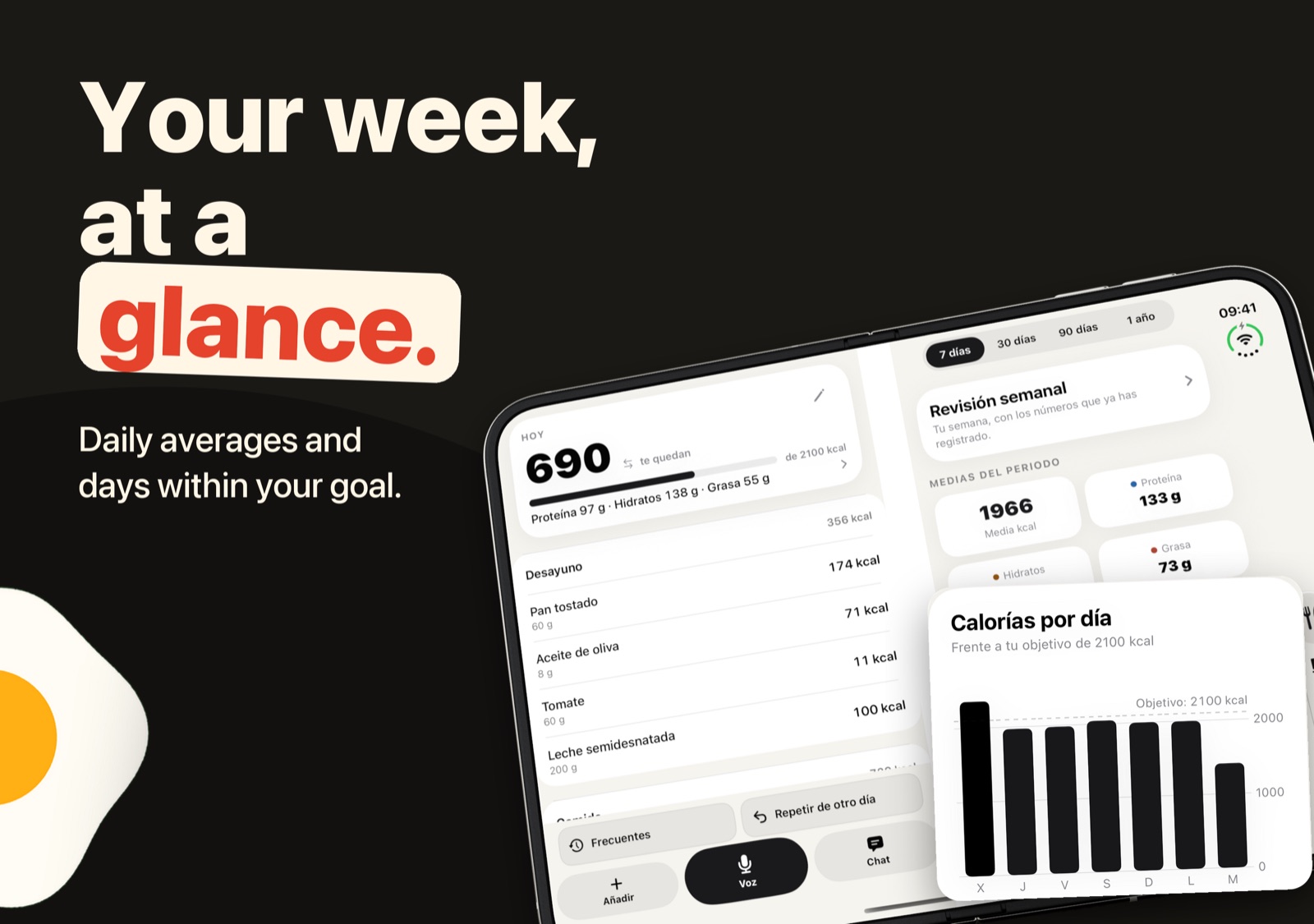
iPhone Duo
With iPhone Duo open, Daylory splits the screen into two pages in Today, Progress, Library, Settings and Search. With iPhone Duo closed, nothing changes.
Data sources
Daylory uses these databases when the amount you enter is precise. Estimates for composed dishes are marked as estimates.
Frequently asked questions
Straight answers. For full detail, see the privacy policy and support pages (in Spanish).
Daylory is a subscription with monthly or annual plans and a 7-day free trial. Prices are shown in the App Store before you subscribe.
Not permanently. It includes a 7-day free trial, after which a subscription is required. You can cancel in Settings → your name → Subscriptions.
Your diary is stored on your iPhone and, if you use iCloud, in your private iCloud database. Daylory has no accounts. AI is part of Daylory: you accept it once when you start, and the text you type or dictate is sent to Daylory's service on Cloudflare, which processes it with Google Gemini. That text may reveal eating habits or health data. Audio never leaves your iPhone: speech is transcribed on the device itself. Product searches and barcodes are sent to Open Food Facts. Read the full privacy policy (in Spanish).
No. Daylory is a logging tool. Values are for guidance only and do not replace advice from a healthcare professional or dietitian.
Spanish, English, French, German and Italian.
Yes. With iPhone Duo open, Daylory uses two pages in Today, Progress, Library, Settings and Search. With iPhone Duo closed, the screen does not change.
In Settings → Data and privacy you can export your diary and delete all your data from the app and, when syncing, from iCloud. More detail on the support page (in Spanish).
Try Daylory free for 7 days. Then, the subscription you choose.
Available on the App Store for iPhone.